Siri AI not working? Installed isn’t the same as ready
iOS 27 is out, but the new Siri doesn’t switch on by itself. Here’s how to get Siri AI on your iPhone, why it can feel worse than the old Siri for now, and the fixes that help.
Explainer · Checked September 26, 2026
The short answer
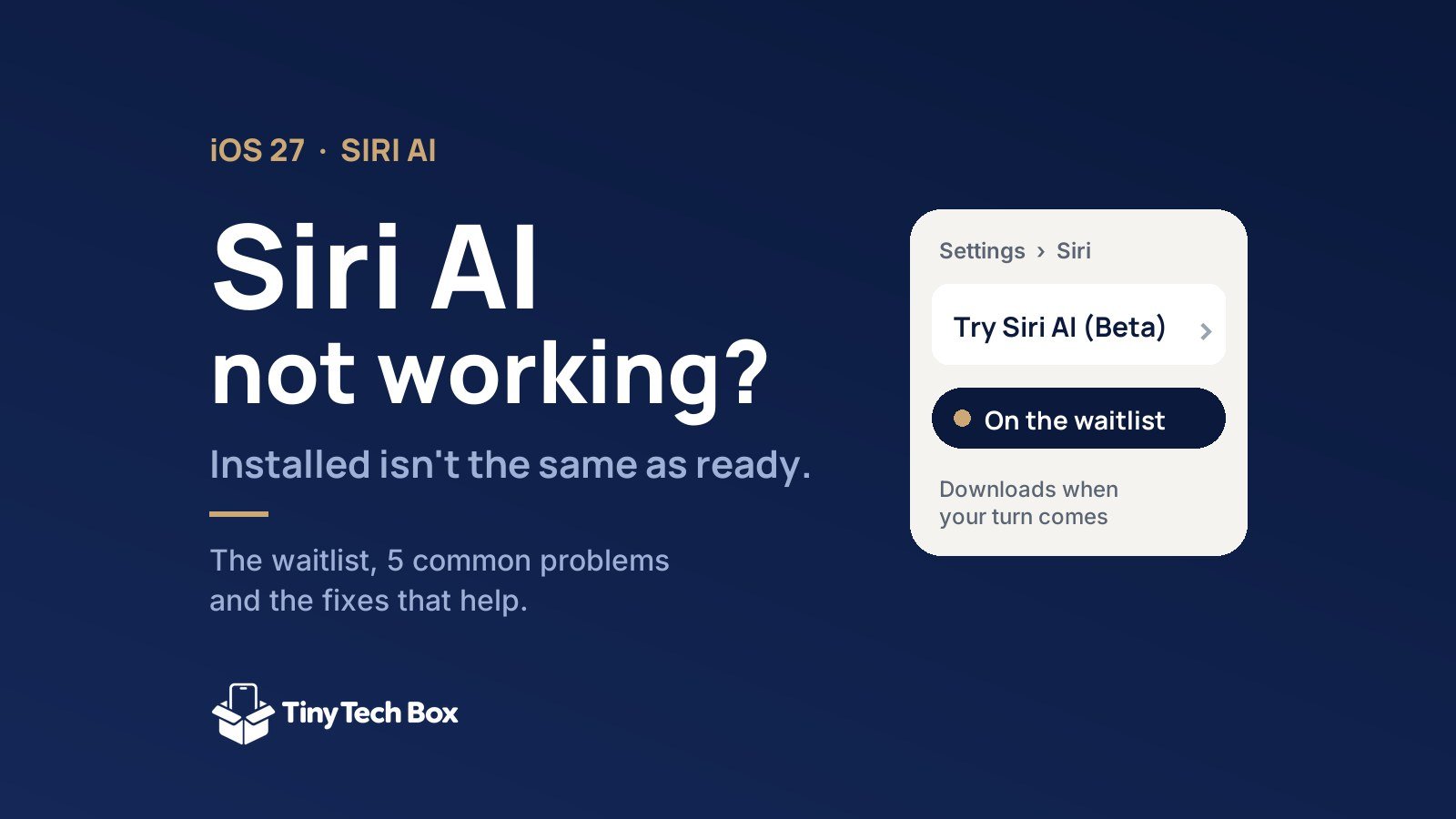
- Updating to iOS 27 doesn’t turn Siri AI on. You join a waitlist in Settings › Siri › Try Siri AI (Beta), and it downloads when your turn comes.
- You need an iPhone 15 Pro or newer, with your iPhone and Siri both set to English. It isn’t available on iPhone in the EU yet.
- Early problems are real: “Something went wrong” errors, slow answers, missed reminders and requests that now need your phone unlocked. Most have a workaround below.
- A warm phone and faster battery drain after updating are normal for a few days while iOS 27 re-indexes your data.
How to get Siri AI on your iPhone
- Update to iOS 27 in Settings › General › Software Update.
- Go to Settings › Siri and tap Try Siri AI (Beta). If you don’t see it, turn Siri on first.
- Choose a voice, finish voice setup and review the privacy settings.
- Wait. Apple says wait times vary, and Siri AI downloads by itself when your turn comes. Some owners get in within minutes; others wait longer.
Which iPhones get Siri AI? iPhone 15 Pro, iPhone 15 Pro Max and every iPhone since, including iPhone Air and the iPhone 17 and 18 models. It also works on Apple Watch Series 9 or later, Apple Watch Ultra 2 or later and Apple Watch SE 3.
Still no Try Siri AI button? Check three things:
- Language: your iPhone language and Siri language must match, and for now that means English. Apple says French, Japanese, Korean, Portuguese and Spanish arrive in October.
- Region: Siri AI isn’t available on iPhone, iPad or Apple Watch in the EU yet, or with an Apple Account set to mainland China.
- Age: it isn’t available to users under 13.
Siri AI not working? 5 common problems and fixes
1. “Something went wrong”
Siri AI sends many requests to Apple’s servers, so a shaky connection breaks it. 9to5Mac traced many of these errors to network problems. Fix: turn off your VPN, switch between Wi-Fi and cellular, and try again. If Apple’s servers are busy, the only fix is to try again later.
2. Siri can’t find your reminders, alarms or smart-home devices
The new Siri searches an index of your iPhone, and that index takes time to rebuild after the update. Fix: leave your iPhone on a charger and Wi-Fi overnight for a few nights. When you ask, use the list or accessory name exactly as it appears in the app.
3. “Unlock your iPhone first”
Requests that use your personal information, such as messages, reminders and files, now need an unlocked iPhone, even with Allow Siri When Locked turned on. That’s frustrating in the car or with AirPods in. Fix: there’s no setting that changes it yet. Glance at your iPhone to unlock it before you ask.
4. Slow answers, especially on Apple Watch
Siri AI handles many requests on Apple’s Private Cloud Compute servers, which adds a delay. 9to5Mac found even a five-minute timer can take several seconds on Apple Watch Series 9 and later. Fix: keep a strong connection, and install iOS and watchOS updates as they arrive. Siri AI is still labeled beta, and updates are where speed improves.
5. Battery drain and heat after updating to iOS 27
After a big update, Apple says your iPhone indexes your data and files, downloads new assets and updates apps in the background. Siri AI adds a full re-index on top of that, so expect a few days of extra drain and warmth. Fix: charge overnight on Wi-Fi, and judge your battery life after a week, not on day one. If you own an iPhone 18 Pro Max, our battery and charging guide covers the settings worth changing.
What Siri AI can do, and what it can’t yet
| Apple’s promise | How it’s going |
|---|---|
| Understands what’s on your screen and finds things across messages, email and photos | Available, but misses items until indexing finishes |
| Write with Siri drafts and rewrites text | Available in the beta |
| Siri mode in the Camera app acts on what the camera sees | Available in the beta |
| New Siri app syncs chats across iPhone, Mac, iPad and Apple Watch | Available; replies on Apple Watch can be slow |
| A ChatGPT-style assistant | Not yet: Health questions aren’t supported, and ChatGPT requests are unreliable |
Siri AI is a beta. If you expected it to replace ChatGPT or Gemini on day one, it won’t. If you mainly want Siri to understand what you ask and act on it inside your apps, it’s worth joining the waitlist now.
Frequently asked questions
Why don’t I have Siri AI after updating to iOS 27?
Installing iOS 27 doesn’t switch it on. Go to Settings › Siri › Try Siri AI (Beta) to join the waitlist. It downloads when your turn comes.
How long is the Siri AI waitlist?
Apple doesn’t give a time. Some owners get access within minutes, others wait longer.
Does my iPhone support Siri AI?
Yes if it’s an iPhone 15 Pro, iPhone 15 Pro Max, any iPhone 16, iPhone Air or any newer model.
Is Siri AI available in the EU?
Not on iPhone, iPad or Apple Watch yet. It works on Mac and Apple Vision Pro in the EU.
Why is my iPhone hot after updating to iOS 27?
It’s re-indexing your data and downloading new assets for Siri AI. That usually settles within a few days. Charge it overnight on Wi-Fi to speed it up.
Keep reading
- iPhone 18 Pro Max battery, heat and charging: what you need to know
- iPhone 18 Pro screen protectors that won’t block Face ID
- AirPods 5 vs AirPods Pro 3: open-ear comfort or sealed quiet?
Sources: Apple Newsroom and Apple Support; reporting by 9to5Mac, MacRumors and TechRadar.