The short answer
- Clear tempered glass is fine. No reports so far link a clear protector to Face ID failures.
- Be careful with matte and privacy glass. On the iPhone 18 Pro, Face ID reads your face through the screen, and a frosted or privacy layer can block it. Apple’s Face ID help page now tells iPhone 18 Pro owners to remove privacy screen protectors first.
- Freezing and restarting after a failed Face ID scan was a software bug, not your protector. Apple fixed it in iOS 27.0.1, so update if you haven’t.
- Our picks: the TOCOL 2-Pack for value, the amFilm OneTouch for the easiest install and the UltraGlass TOP 9H+ for the toughest glass. All three are clear, and each listing also sells an 18 Pro Max size.
Why screen protectors affect Face ID on the iPhone 18 Pro
To make the Dynamic Island smaller, Apple moved Face ID’s infrared camera under the display, near the top-left corner of the screen. Apple’s support page now says the TrueDepth camera on iPhone 18 Pro models sits at the top of the device, towards the left corner.
That camera now sees your face through the screen and anything stuck to it. Clear glass lets its infrared light through. A matte finish scatters that light, and a privacy filter is built to block light at an angle, so Face ID can get slower or stop working.
YouTuber Dave2D saw exactly this: Face ID stopped working on his iPhone 18 Pro Max with a matte protector on, and worked with a clear one.
Which iPhone 18 Pro screen protectors work with Face ID
How to check your iPhone 18 Pro screen protector in one minute
- Right after installing, lock your iPhone and unlock it with Face ID five times: twice at arm’s length, twice closer and once in dim light.
- Tap and swipe along the top edge and corners to check touch still responds everywhere.
- If Face ID misses more than once, wipe the glass, then peel the protector off and try again. If Face ID works without it, return the protector.
- Test on iOS 27.0.1 or later. On earlier iOS 27 builds, a failed Face ID scan inside a locked app could restart the phone. That was the software bug below, not your protector.
Face ID freezing and restarting? Fixed in iOS 27.0.1
Update, September 30, 2026: Apple released iOS 27.0.1 on September 28, and it fixes this bug. Apple’s release notes say iPhone 18 Pro and Pro Max models “may unexpectedly restart when Face ID fails to authenticate,” and the update fixes it. Install it from Settings › General › Software Update.
The bug showed up with iOS 27. Some iPhone 18 Pro and Pro Max owners saw the phone freeze and restart after a failed Face ID scan inside a protected app, such as Passwords, Wallet or a private Safari tab. 9to5Mac reproduced it. It was never tied to screen protectors, so there’s no need to peel off a clear protector over it. If your phone still restarts after a failed scan on iOS 27.0.1, contact Apple Support.
iOS 27.0.1 also fixes a touchscreen freeze that could happen when you open Notification Center and Control Center at the same time. If your screen still ignores touches after updating and it started right after you fitted a new protector, take the protector off to rule it out.
Best iPhone 18 Pro screen protectors that work with Face ID
All three are clear glass sized for the iPhone 18 Pro. Each listing also has an iPhone 18 Pro Max size, so choose yours before you add it to your cart.
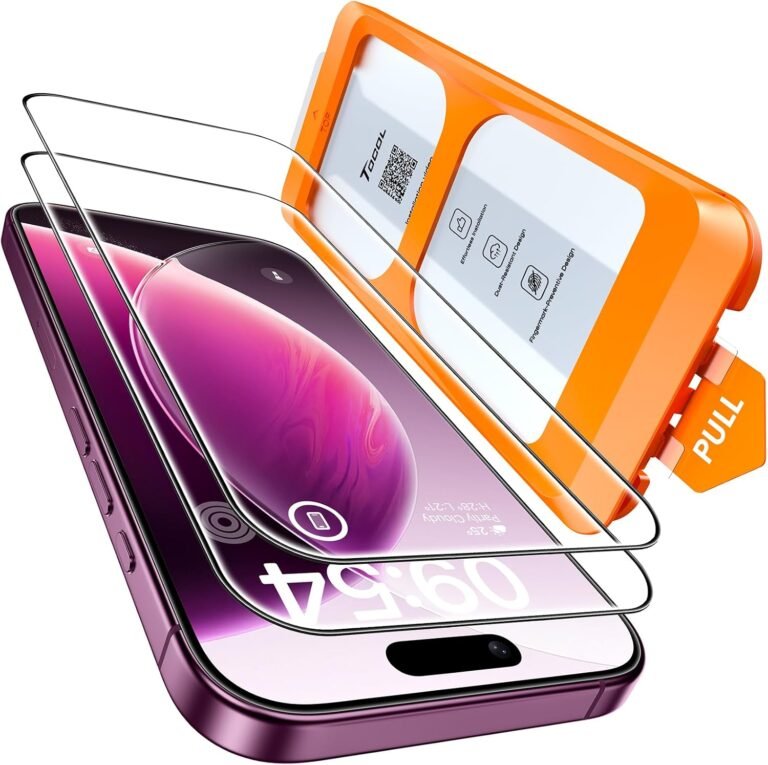
TOCOL Screen Protector 2-Pack: best value
HD clear glass with an auto-align install frame. Two sheets means a crack is a cheap swap.
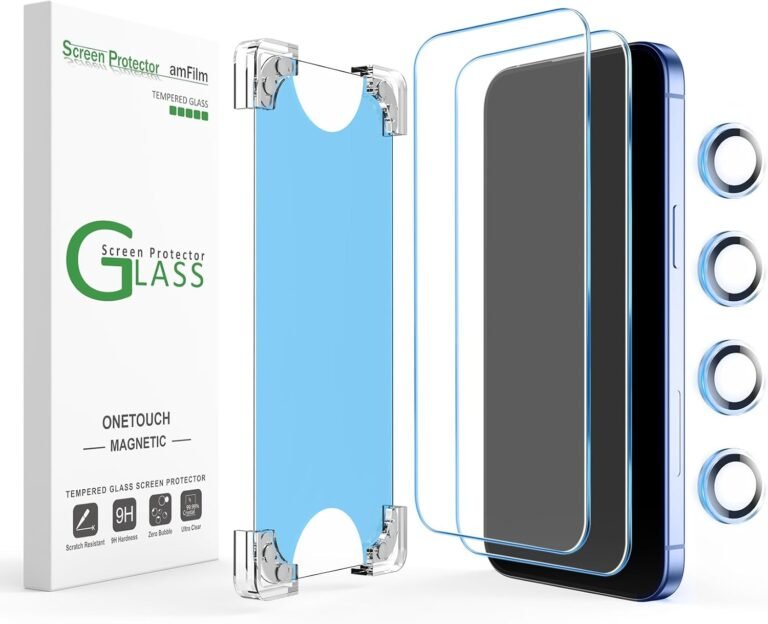
amFilm OneTouch 2+2: easiest install
A magnetic alignment kit lines the glass up for you, and two camera lens protectors come in the box. One early buyer reports Face ID and touch working normally with it fitted.
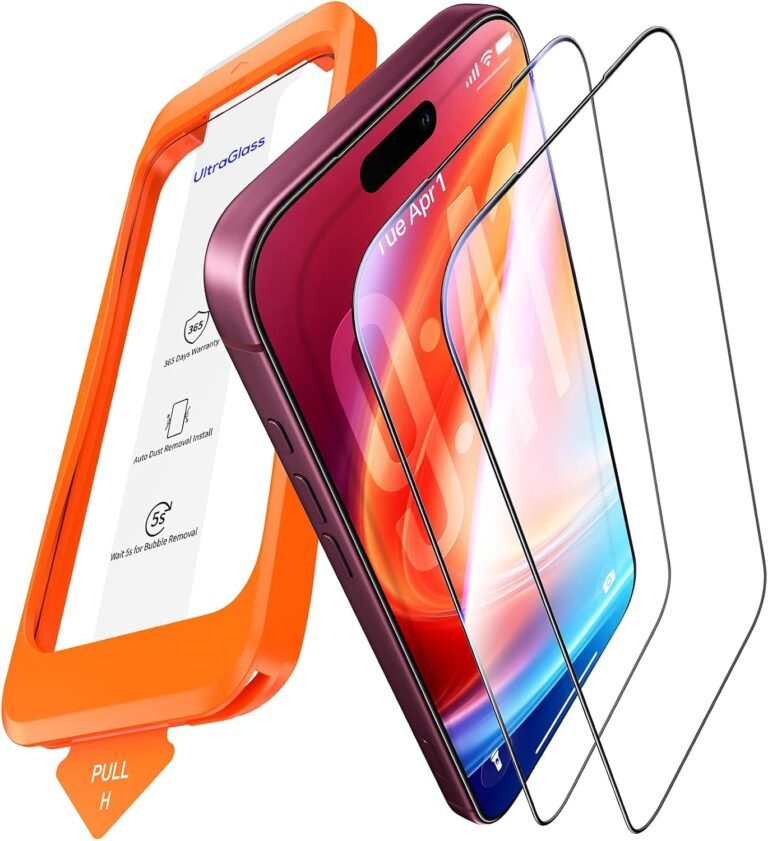
UltraGlass TOP 9H+ Armor: toughest glass
Sapphire-reinforced clear glass with a one-pull install tray. UltraGlass adds a lifetime warranty covering installation, fit and accidental damage.
Need privacy glass? Skip privacy protectors made for older iPhones. Buy one that names the iPhone 18 Pro and says it supports Face ID. TORRAS says its Privacy Shield Ultra for iPhone 18 Pro, sold on the TORRAS website, is Face ID compatible. Whichever you buy, test Face ID the day it arrives, while you can still return it.
Frequently asked questions
Related guides

 −10%
−10%